
A School Admin Account provides a designated staff member the ability to have oversight over all teacher accounts across your school account. For each teacher account, you will be able to view their created tasks and connected student transcripts. You can also directly add new teachers using an invite link.
Becoming a School Admin
To become an administrator for your school, please contact us: hello@thinkingmode.com
This is a manual process, so we can ensure only authorised users have access to your Thinking Mode school data.
Accessing the Admin Dashboard
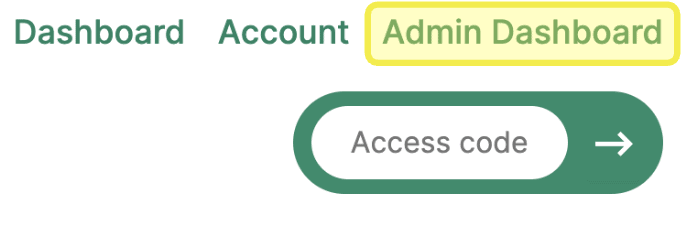
Once you are approved as an administrator, you can click "Admin Dashboard" in the top-right corner of Thinking Mode.
Features of the Admin Dashboard
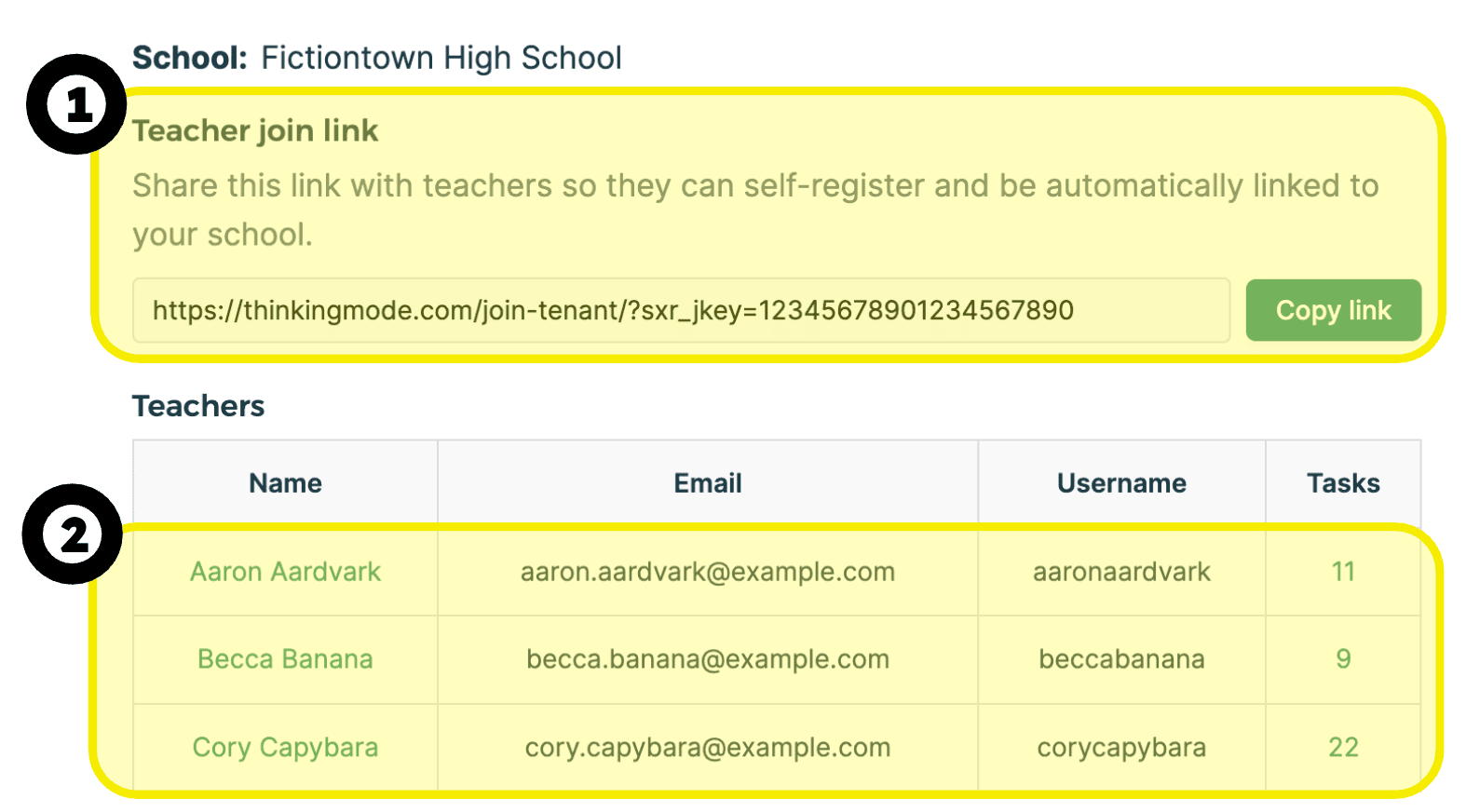
- You can use the teacher join link to invite new teachers into your Thinking Mode school account. This means that you will have oversight over their teacher account, such as viewing their tasks and transcripts. This link works both for new teacher accounts, and existing teacher accounts that are not yet linked to your school.
Note: Do not post this link publicly. Anyone with the link can become a Thinking Mode teacher at your school. It is suitable for emailing to staff, and for posting in a school intranet that is only accessible to teachers. - You can see a list of all teachers that are linked to your school. Click on a teacher to see their Thinking Mode tasks and to access student transcripts.
In due course, we hope to provide school admins the ability to access a simple data analytics dashboard to get a quick snapshot of the usage across a school year.
Getting help
If you have any questions or feedback about Thinking Mode, including the Admin Dashboard, please get in touch: hello@thinkingmode.com